Send a quote request an estimator can answer without three follow-up calls.
Service area first, an emergency line that is honest about hours, and a staged quote form built from the questions asked on the phone.
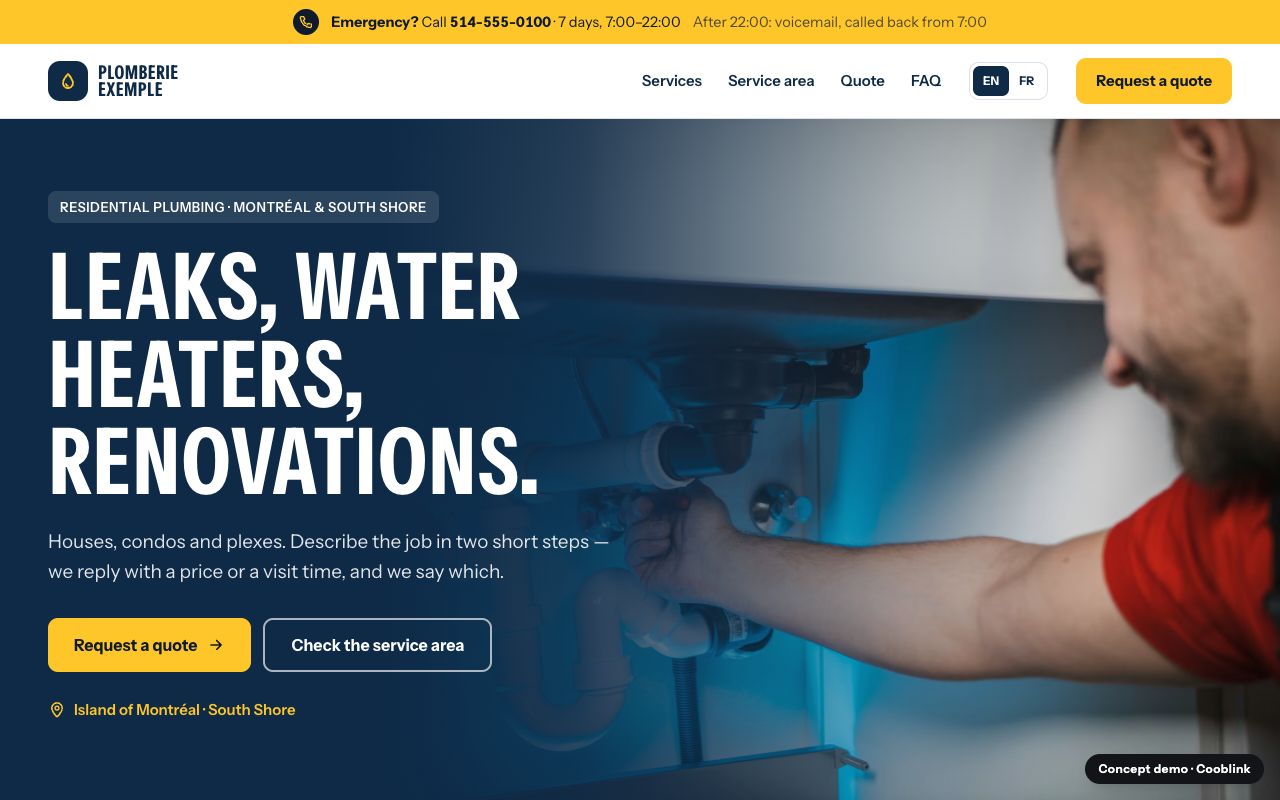
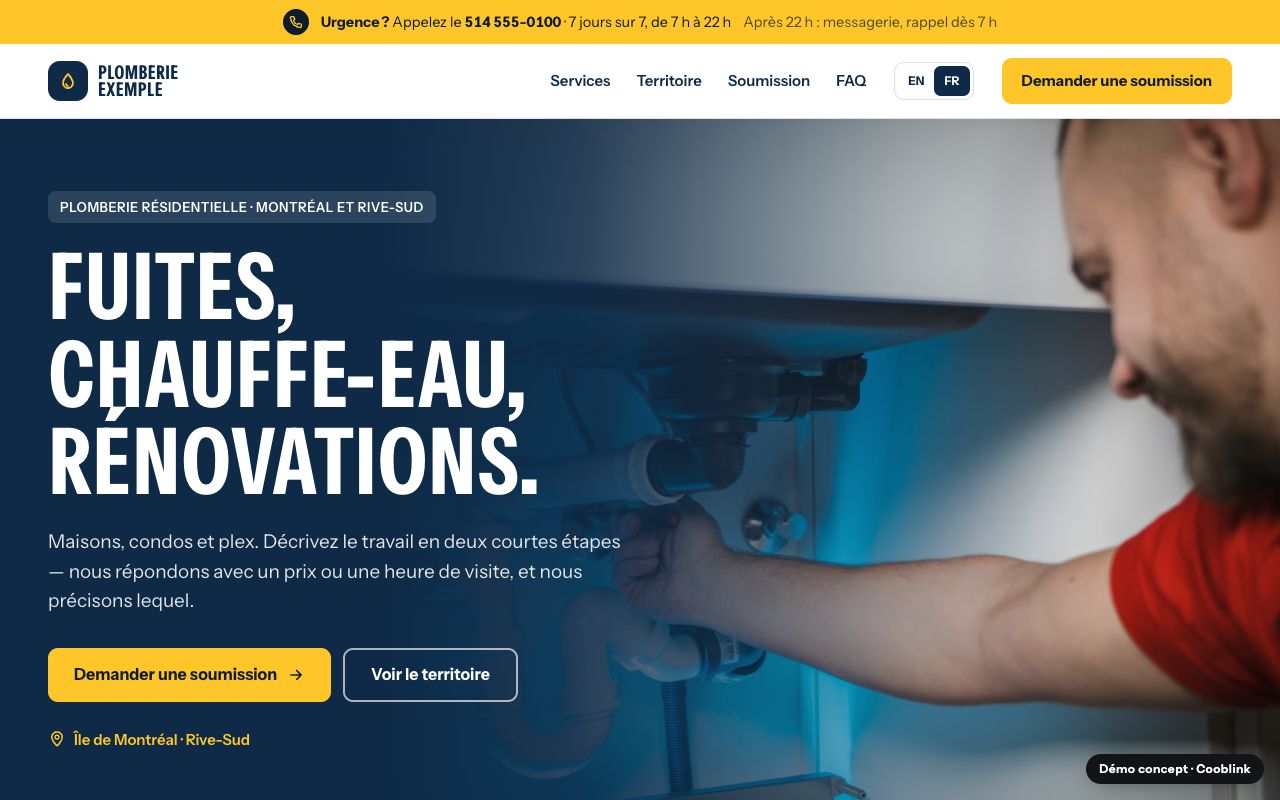
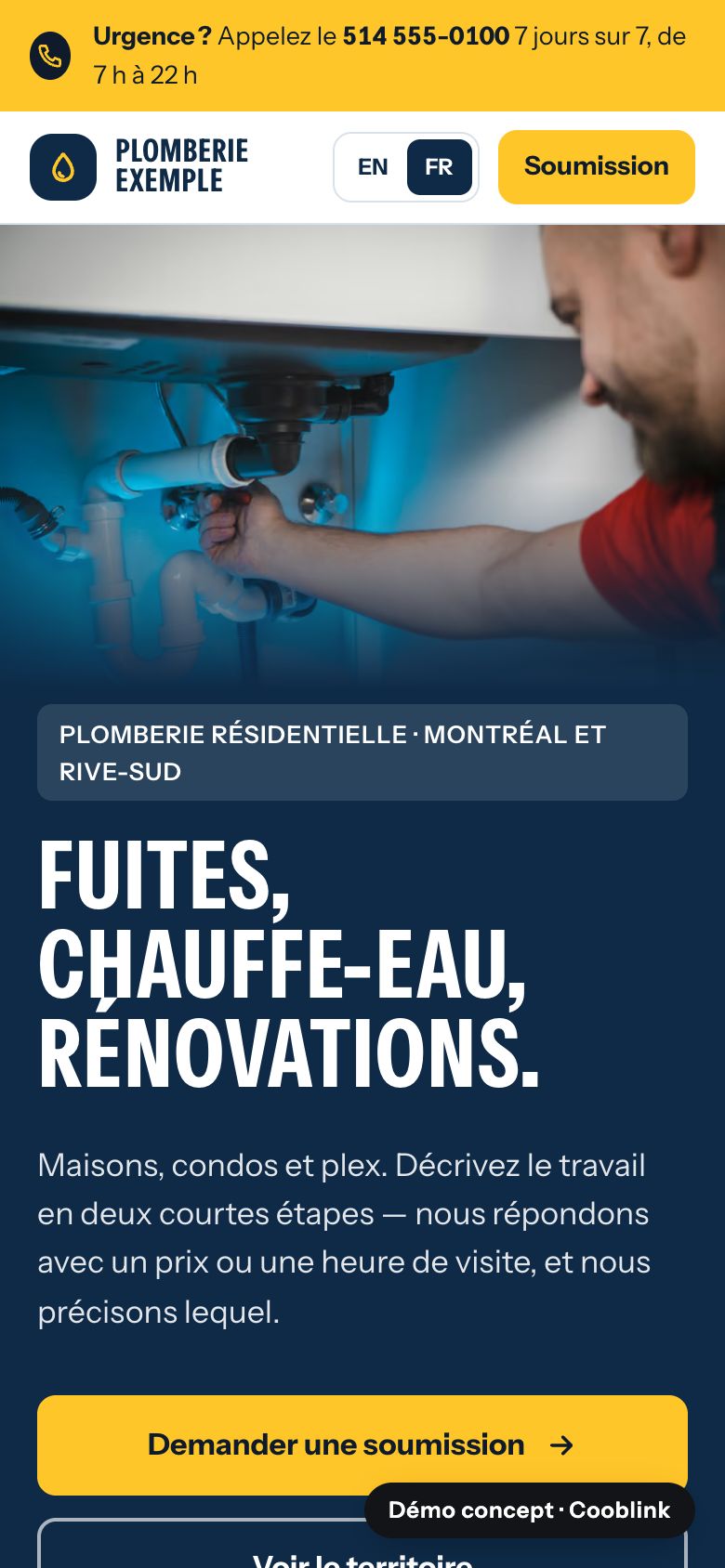
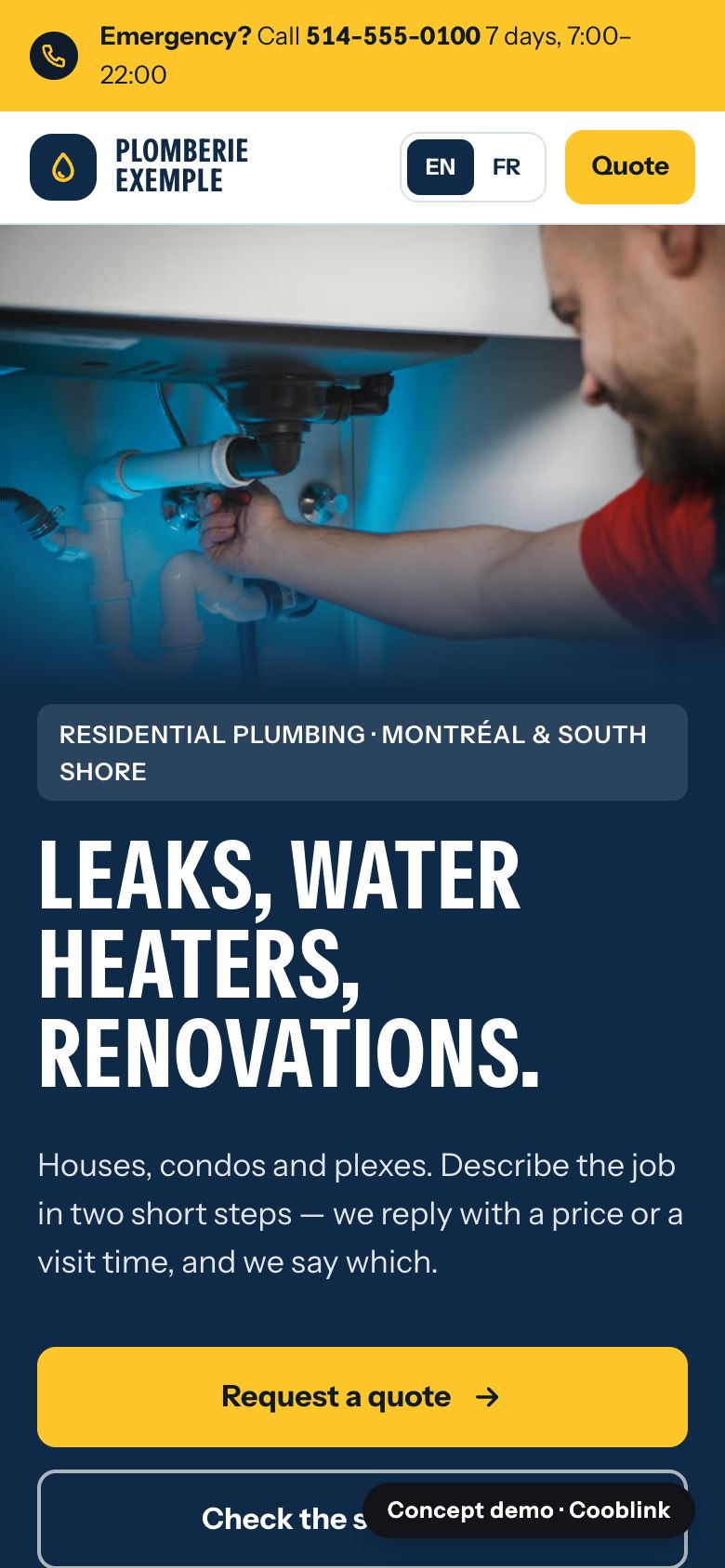
Concept demo, not a client · Open it
How it works
What each part does.
Every block on Plomberie Exemple is there for one reason. Open the demo to see each one in place.
Service area before the form
Visitors outside the area find out in one line — not after typing their address.
Emergency or planned
One question that changes routing, reply time and often price.
A staged form
Job type, first three postal characters, property type and timing first. Photos come on step two, so a failed upload never loses the request.
“What happens next”, under the button
Who replies, how fast, and whether the answer is a price or a visit.
Soumission, not “quote”
The French path uses the words Québec customers actually use.
Form profile
The questions it asks, and why so few.
Photos are optional and requested on step two.
Connects to
- Your scheduling or field-service software, if you use one
- The inbox or CRM where requests should land
Platform names are never implied partnerships. We link to what you already use.
Quote request
- Job type
- Emergency or planned
- Postal code (first 3 characters)
- Property type
- Owner or tenant
- Timing
- Description
- Preferred contact and time
Built with
The service that builds this.
Fixed prices, in writing. The full scope of each one is on the pricing page.
More example sites
Four more, in both languages.
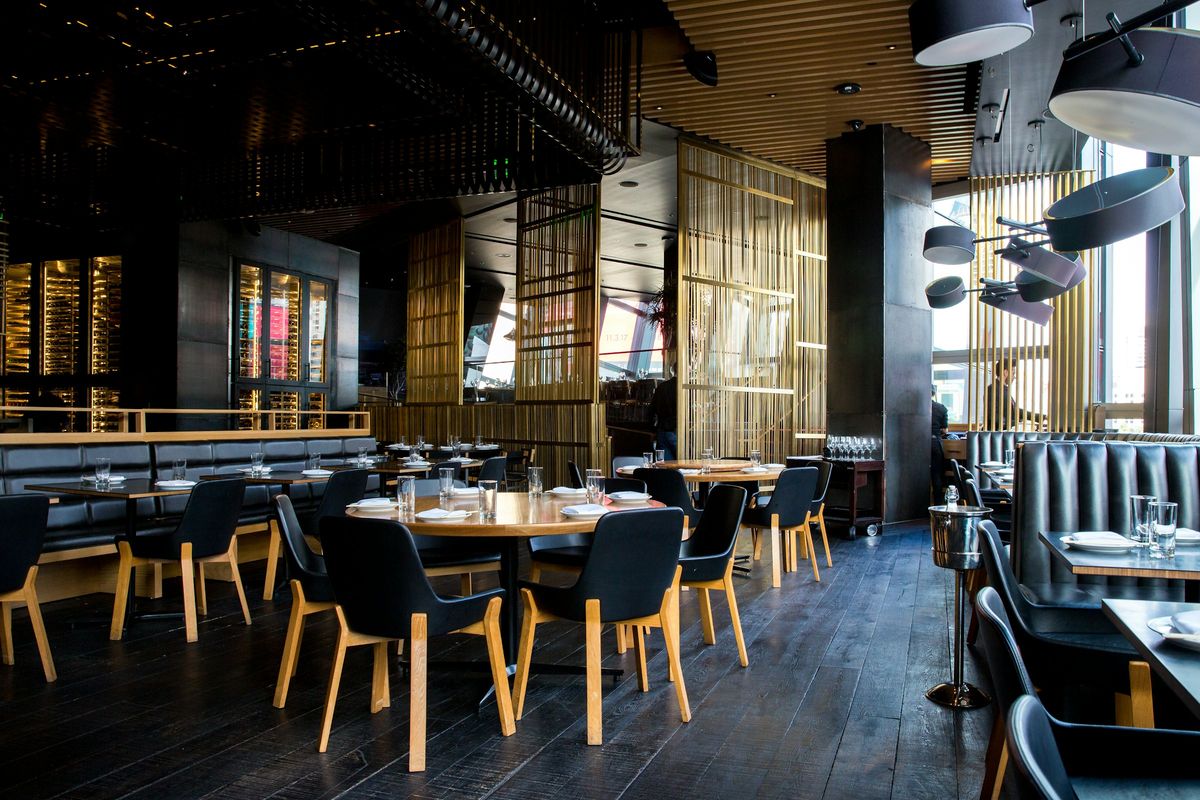
Bistro Exemple
Tonight’s hours, a menu you can read on a phone, and one button into the booking system the restaurant already pays for.View demo
Studio Exemple
Services with duration and price, policy before the button.View demo
Dépanneur Exemple
Open-now hours with a “last checked” date, and one tap to directions.View demo
Fabrication Exemple
Capabilities as a spec table and a staged RFQ.View demoReady for a website customers actually use?
Tell us about your business and the one thing customers should be able to do. We reply with a next step — never a sales sequence.